-Badge-Logo_wine.png)


-Badge-Logo_wine.png)


-Badge-Logo_wine.png)

Everything you can do with midiOS™
Features

How midiOS works
One surface. Many musical layers.

The Harmony Engine
Real harmonic movement, without theory menus.
Harmony in continuous or voice-leading mode.
Continuous Mode
Fast, predictable harmony.
Chords move in parallel, making it easy to sketch ideas quickly and stay oriented as you play.
Voice-Leading Mode
Musical motion that adapts to you.
Chord shapes rewrite themselves in real time, keeping notes as close as possible for smooth transitions and richer harmonic color.
Triads in continuous mode
Ableton - Continuous

Triads in voice-leading
Ableton - Voice-Leading

7th chords in continuous mode
Logic Pro X - Continuous Mode

7th chords in voice-leading
Logic Pro X - Voice-Leading Mode

Voice-leading minimizes note jumps, creating smoother transitions and richer harmonic motion.
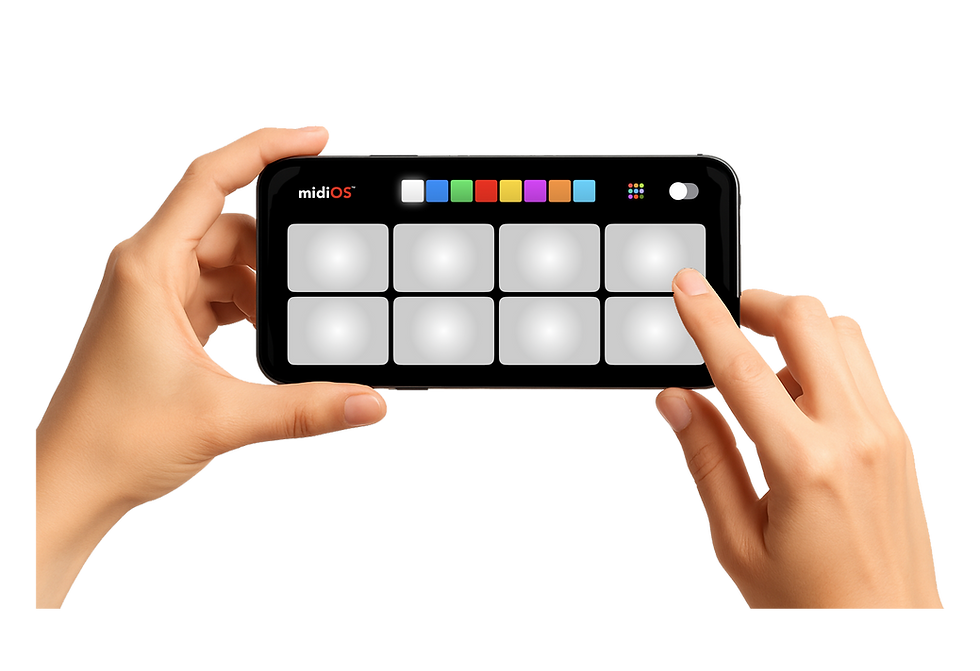
One surface. Multiple musical layers.
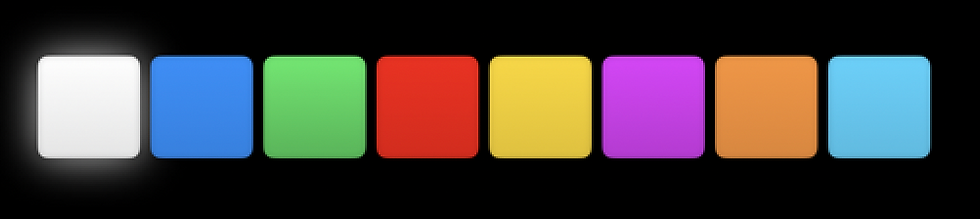
Switch between scale and chord modes instantly — then slide, press, or hold to unlock pitch bend, inversions, aftertouch, and more.
Play rich harmony. Instantly.
Scales, triads, and 7th chords with real-time voice-leading, modal color, and secondary dominants — no theory required.
Secondary Dominant Chords
Real harmonic movement — without thinking about theory.
Ex: D major -> B7 -> E min -> C#7 - F# min

Hold one chord, touch another, and midiOS automatically plays the dominant chord that connects them.
Hear the movement.

Music Theory?
Let midiOS do the thinking.
Each color bank represents a musical mode.
Arrange them sequentially for traditional movement — or lock everything to a single tonal center for dramatic modal interchange.
Stay in key. Explore color. Follow your ear.


Expression that moves with you.
Touch. Tilt. Face. Motion. Every gesture becomes sound.
Pitch & Inversion
XY Performance Surface
Tilt Control
Facial Mapping


Your setup shouldn’t require a suitcase.
Producers rely on grids, faders, knobs, keyboards, pedals, and macros. That means cables, power, setup, and limited space.
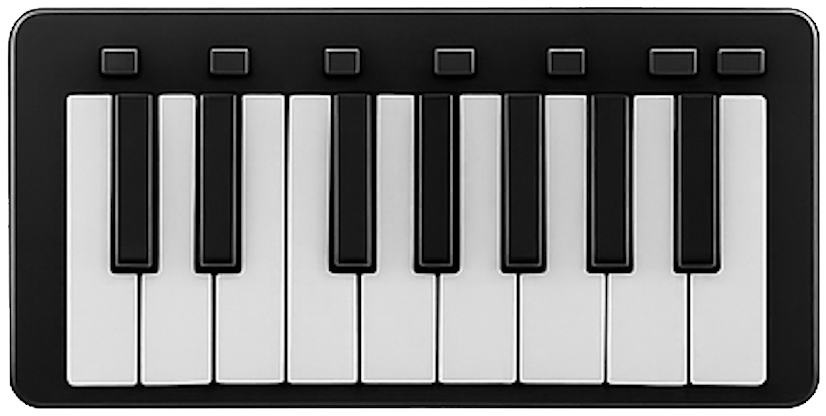
MIDI Keyboard

Arcade Buttons

Foot Controller
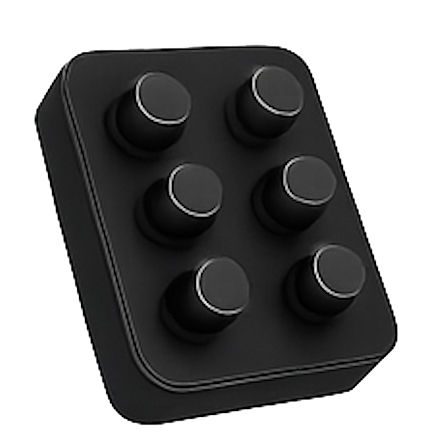
Rotary Knobs

DAW Clip/loop control
midiOS™ gives you controls no hardware can even physically do.
midiOS pads can become anything:

XY Pads
Tilt & Motion Control
Face-Control Gestures

Secondary-Dominant Chords

Voice-leading Mode

Adaptive Multi-mode Controls

Launchpad Integration
What midiOS™ gives you
Wherever you bring your laptop and DAW, midiOS is your rig. One USB cable — same controller, every session.

Freedom from physical limitations

Real-time expressive control

A single, unified workflow

Portable creative power

Your musical identity, not your gear

Ableton LiveGrid
midiOS mirrors your Ableton Session View, giving you direct access to clips, scenes, and transport controls in a single performance surface.


Facial Control

Shape pitch, voicing, and harmony with natural movement.

Control any mappable DAW parameter — hands free.
Expression that moves with you.